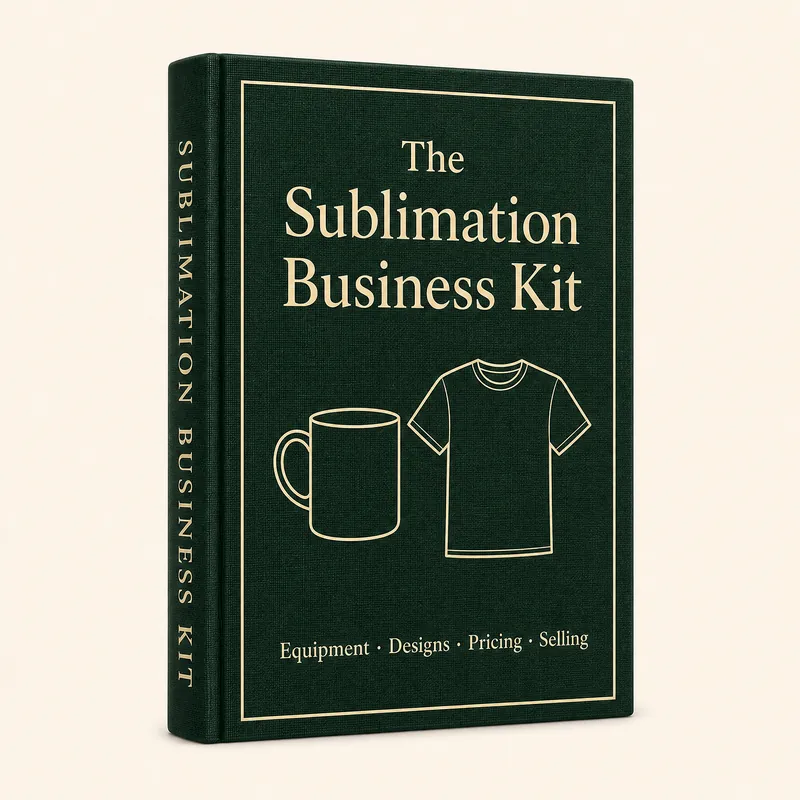
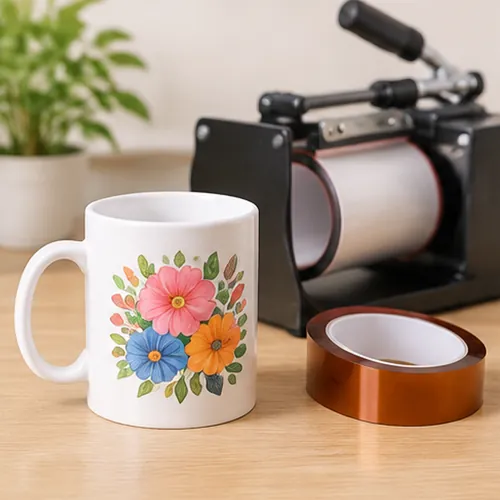
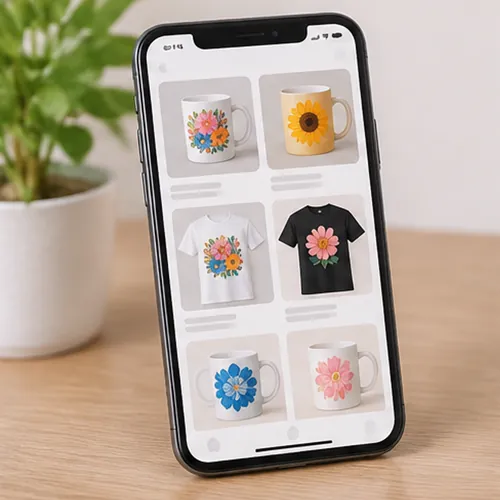
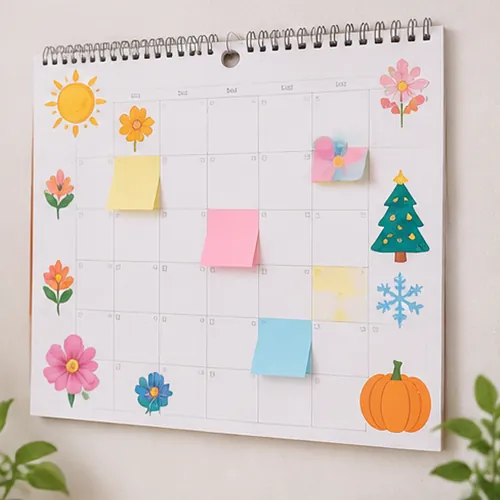
The step-by-step kit for custom mugs, tees, tumblers and hats: what equipment to buy, the exact time and temp for every blank, 300+ ready-to-print designs, a pricing calculator and how to get your first orders. Stop guessing, stop wasting blanks, and start making things people actually pay for.
“My printer sat in the box for three months because I was scared to waste blanks.”
“My first ten mugs came out ghosted. I didn’t know it was the time and the pressure.”
Walk into any craft fair, school fundraiser or Facebook Marketplace and look at what sells: mugs, shirts and tumblers with a name, a date or an inside joke on them. A plain mug costs a few dollars. With a name and a design, people happily pay several times that, for birthdays, teachers, teams and every holiday. The difference isn’t the machine. It’s knowing the steps, so every press comes out right.
“I watched forty videos and still didn’t know which paper to buy or what temperature to use.”
A beginner with a new heat press
Example prices from public 2026 listings on Etsy, Facebook Marketplace and local craft fairs. Prices depend on the area, the product and the design.
None of this is about talent. It’s about having the steps, and this kit hands them to you ready.
Christmas, Valentine’s, Mother’s Day, graduation and back to school: every season people want mugs, shirts and tumblers with a name on them. The ones who are ready before the rush are the ones who take the orders.
Enough time to set up, press your first samples and post them, before the first “can you make me one?” arrives.
That’s how a blank mug turns into a $20 gift, one press at a time.
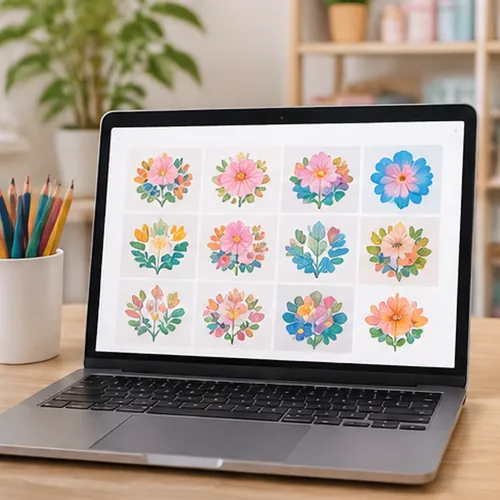
Choose one of the 300+ ready-to-print designs, add a name or a date in free Canva, and size it for your blank. No design skills, no blank page.
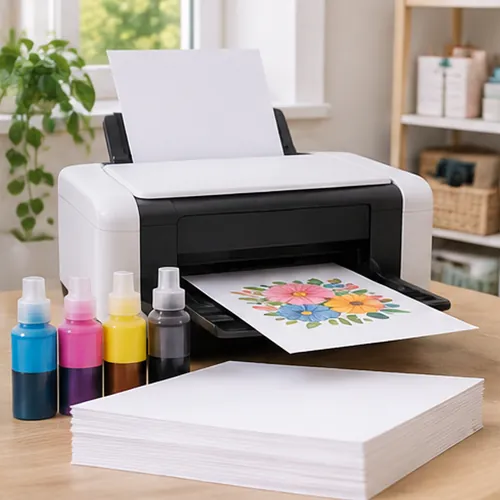
Use the right paper and print settings from the cheat sheet, so colors come out bright and not dull or muddy.
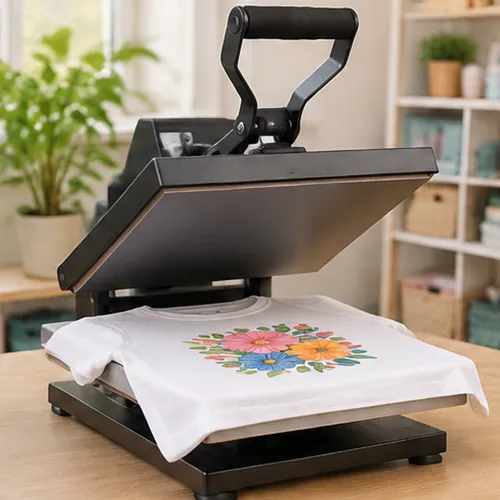
Look up the exact time, temperature and pressure for that blank, press it once, and get it right the first time.
Each one has its cheat sheet and designs inside, for gifts at home or for the people who ask you to make them one. These are the products that sell.
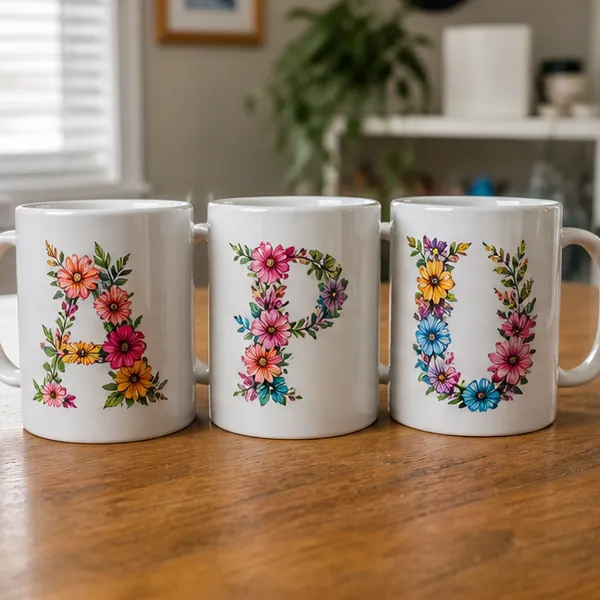
Personalized name mugsOften $15–25 each
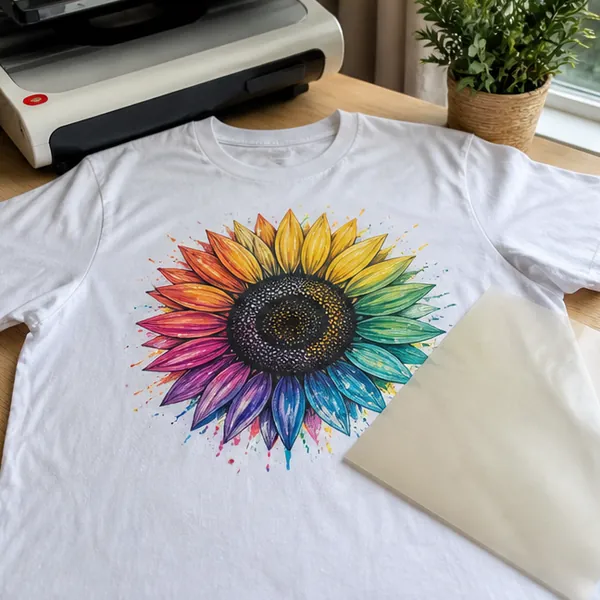
Custom t-shirtsOften $20–35 each
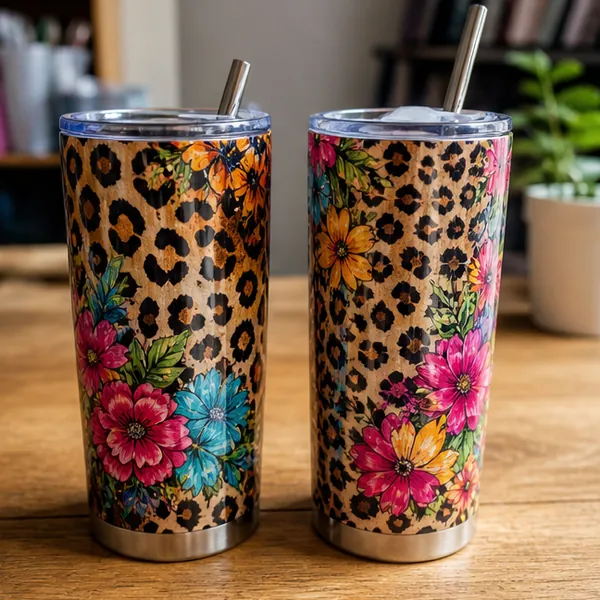
Full-wrap tumblersOften $25–40 each
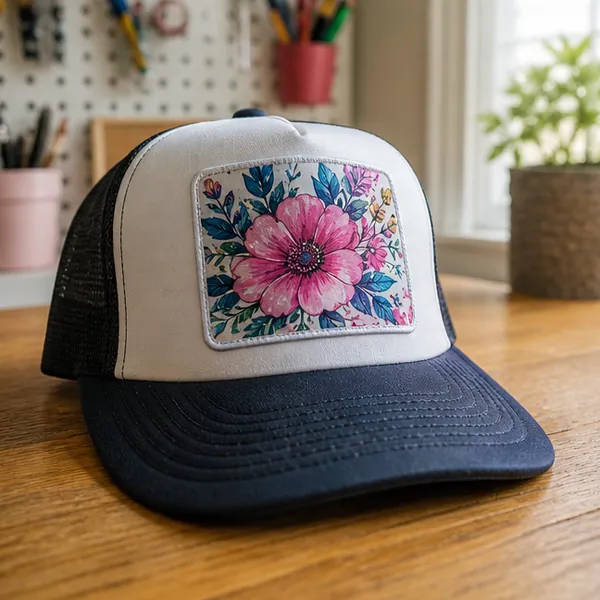
Hats with a pressed patchOften $25–35 each
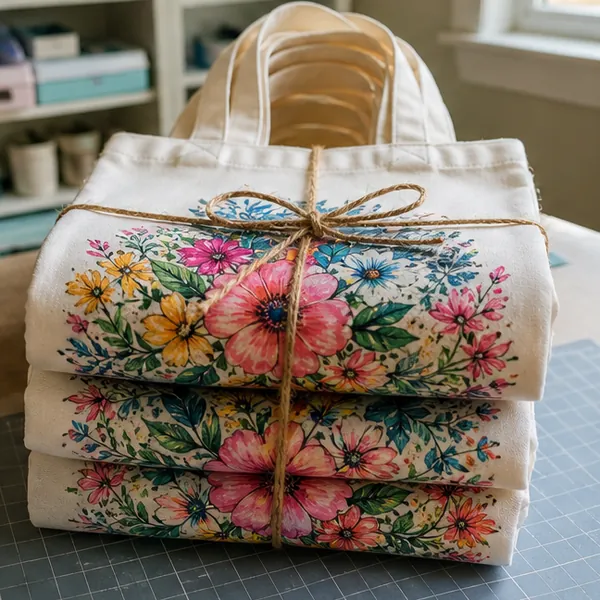
Tote bags for teachersOften $15–25 each
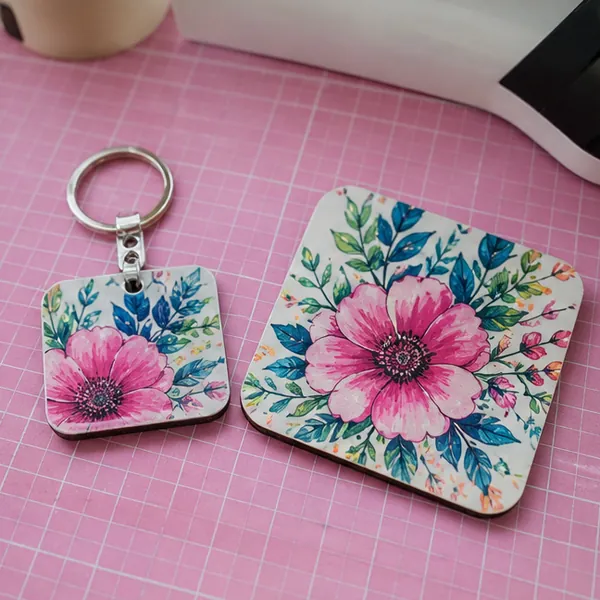
Coasters and keychainsOften $10–20 a setExample prices from public 2026 handmade listings. Not a promise of what you will charge or earn. Prices depend on your area, your customers and the product.
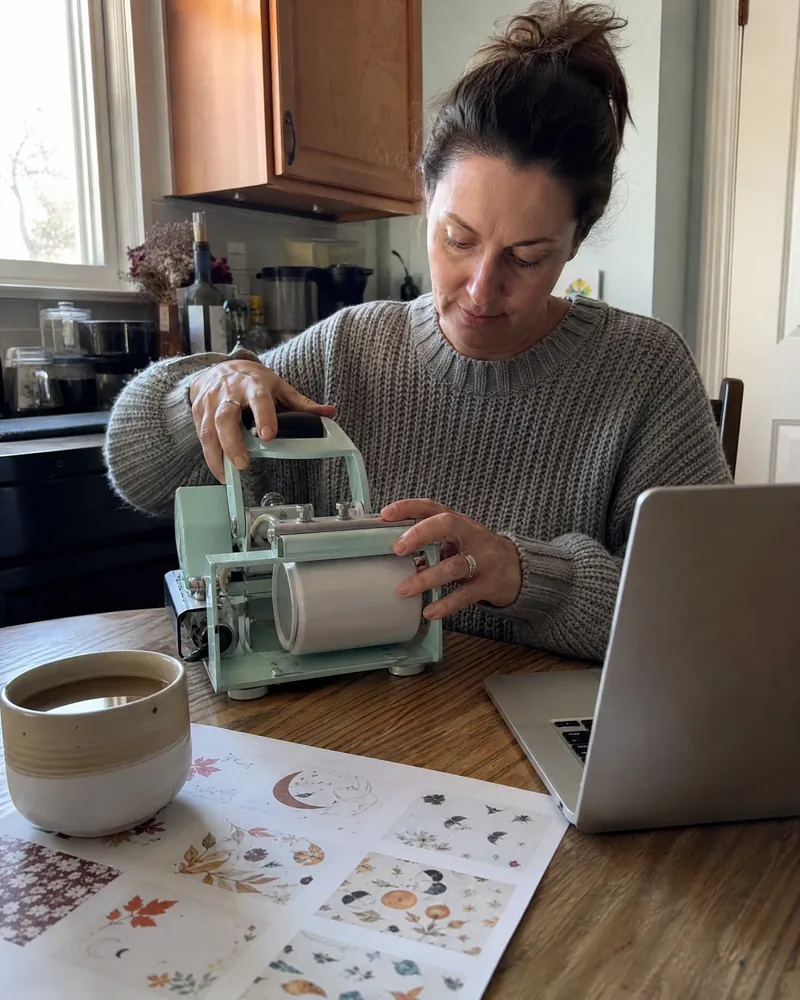
For giftsBirthdays, teachers, grandparents, the team party. Mugs, shirts and tumblers with a name on them, pressed right the first time, from the corner of your kitchen.
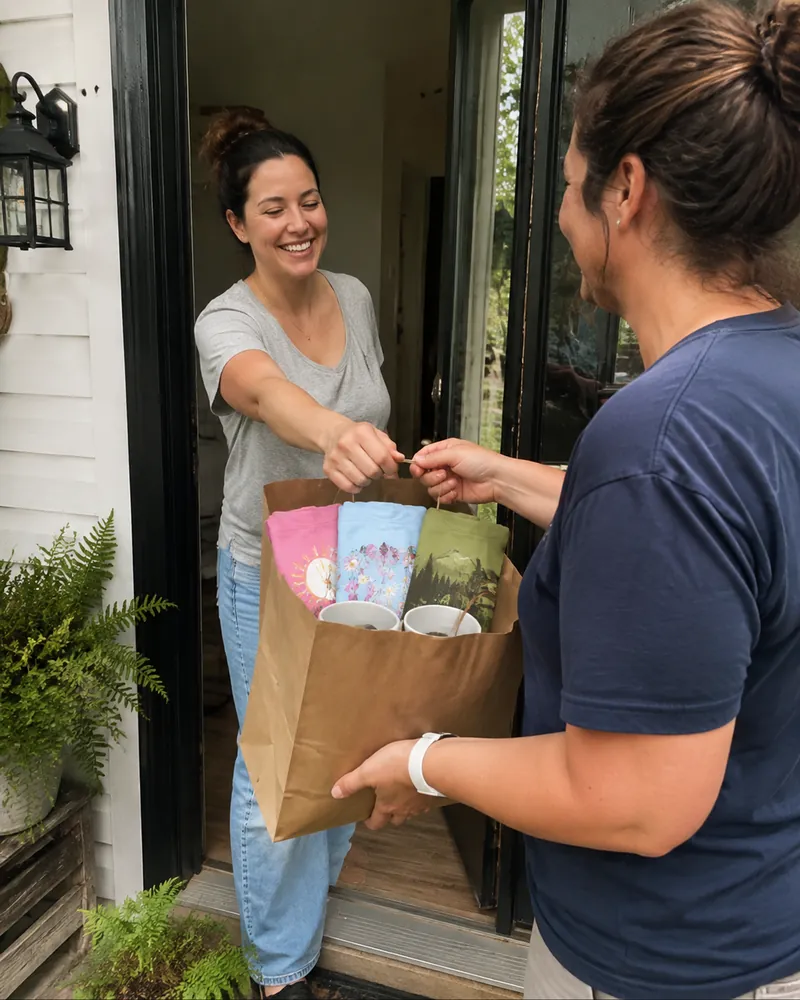
For extra incomeFriends, school moms, the soccer team, the café down the street. Start with one order from someone who already asked, and see where it goes.
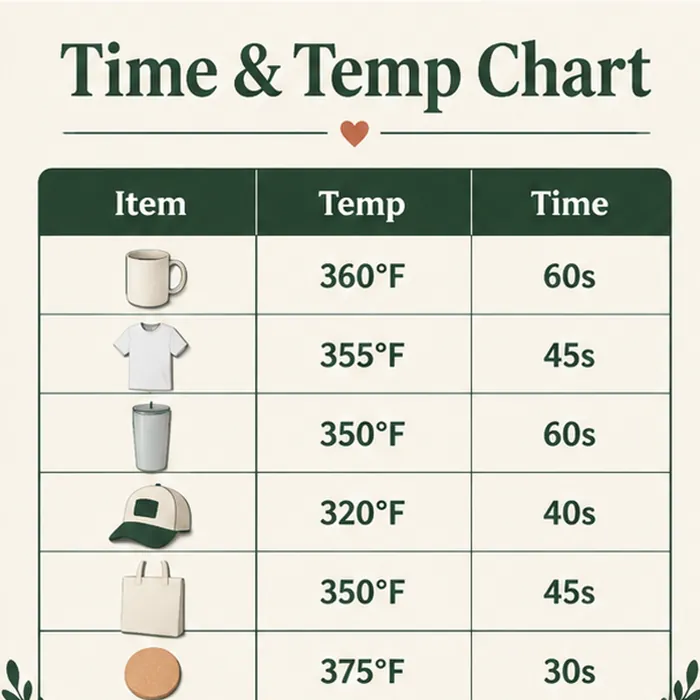
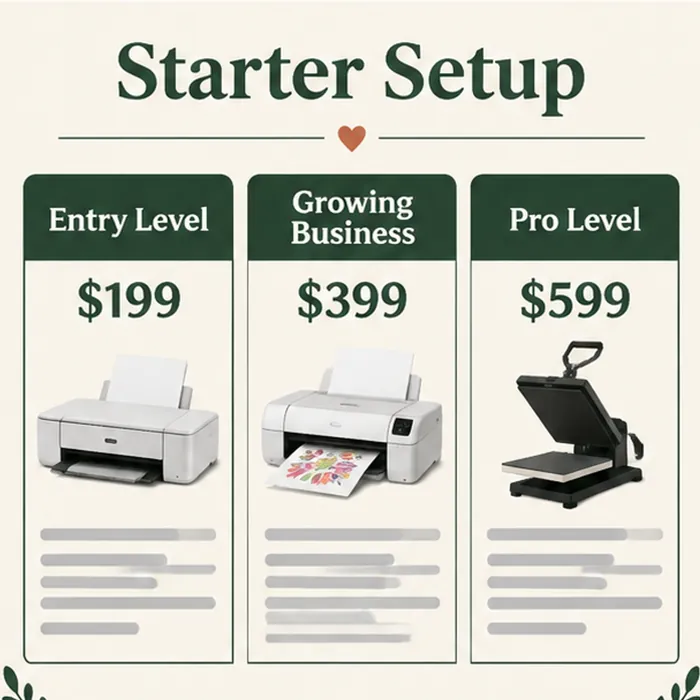
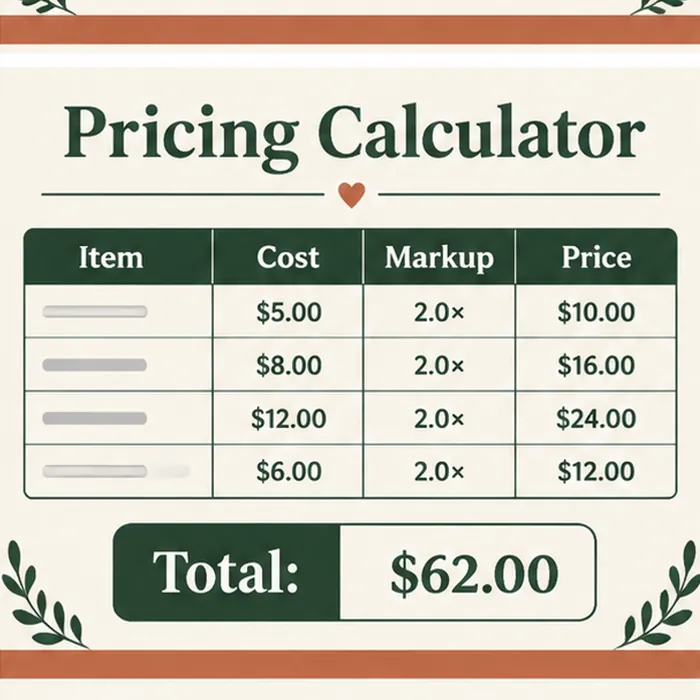
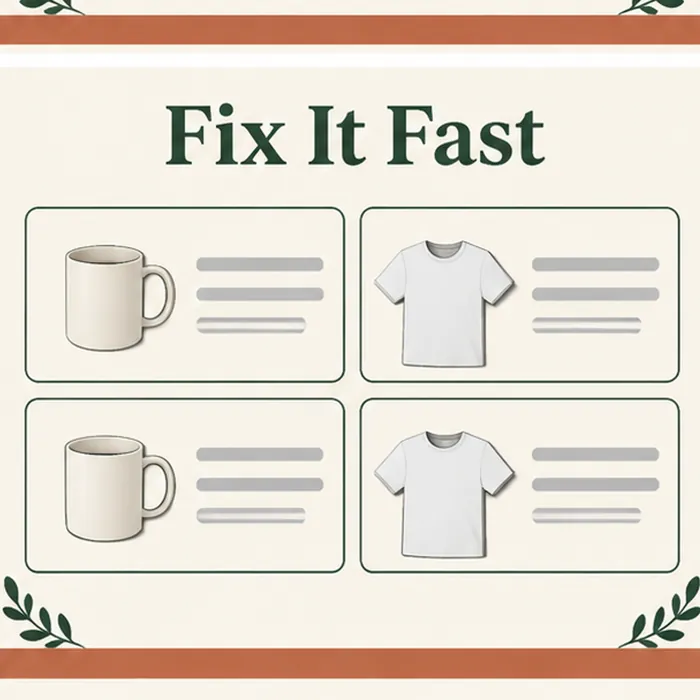
These are the kinds of pages inside: the time and temp chart, the starter setups, the pricing calculator and the fix-it guide. Every one is ready to use today.
Open the kit, look up your settings and press your first design. If it isn’t for you, send one email within 7 days and we’ll refund you in full. No forms, no hard feelings.
They were exactly where you are, sure they weren’t “crafty enough”.
Jess ›
Dana ›
Linda ›
Open Kit 1 and pick the starter setup that fits your budget, or check the one you already own. Follow the checklist, so you buy once and buy right.
Pick a design from Kit 3, print it mirrored and press it with the numbers from Kit 2. If something looks off, the Fix-It Guide tells you why.
Move on to a tee and a tumbler, then put each one in the pricing calculator from Kit 4. Your first press is allowed to take longer than the tenth.
Open the Selling Playbook: what to post, where to post it and the message for the people who already asked. Then take your first order.
That’s it. One week, a shelf of products that look store-bought, and the words “sure, I can make you one” don’t scare you anymore.
From picking your first printer to your first paid order, and a little extra income from home.
The three setups that work, what each one costs, what you can make with it and what to skip. No more buying the wrong machine twice.

The exact settings for every blank, plus how to tape, wrap and protect each one, so your first press comes out right.

High-resolution PNG designs sorted by season and occasion, editable in free Canva. Pick one, add a name, print, press.

Your real cost per item and the price that leaves a profit, plus where to post, what to say and how to turn “can you make me one?” into a paid order.

Ghosting, faded colors, blowouts and uneven prints, each with the fix, plus mockups to sell a product before you press it.

Order forms and invoices, how to quote a 20-shirt team order, care cards for every product, faster Canva designs and a checklist for your first craft fair.

What they say once the printer is out of the box.
“My Epson sat in its box since my birthday because I was scared of wasting blanks. I followed the starter checklist on a Saturday, used the mug settings from the cheat sheet, and my first six mugs came out bright and sharp. My sister ordered four for her book club that week.”
“I was charging $12 for tumblers and losing money without knowing it. The pricing calculator showed me my real cost was almost $9. I raised the price to $28, and the teachers still ordered eleven for the end of the year.”
“Every shirt I pressed had a faint shadow on one side. The fix-it guide said it was the paper moving when I opened the press, so I taped it like the sheet shows. Not one ghost since, and I made matching shirts for our family reunion, all twenty-two of them.”
“I didn’t know what to make first. I picked five teacher designs, pressed samples on a weekend and posted them in my neighborhood group with the message from the playbook. I got nine orders in four days, mostly mugs and totes.”
No. The kit starts from zero: which equipment to get, how to set it up and how to press your first mug. The designs are ready to print, and you only add a name or a date if you want.
No. Kit 1 helps you choose before you spend anything, with three setups by budget. If you already have a printer or a press, it shows you how to use what you own.
Yes. The cheat sheets work with any converted inkjet or sublimation printer and any clamshell, swing-away or mug press. We explain the settings, not one brand.
No. Everything works with free Canva and free Google Sheets, on your computer, tablet or phone.
Mugs, t-shirts, tumblers, hats, tote bags, coasters, keychains and more: 40+ blanks with their settings, plus 300+ designs to put on them.
Yes. The designs come with a commercial license for the physical products you press and sell. You can’t resell the digital files themselves.
We can’t promise any amount. It depends on your hours, your prices and your customers. The prices on this page are examples of what custom products sell for, not promises. Results are not guaranteed.
Printable PDF guides, PNG design files, Canva template links and a Google Sheets calculator. Nothing is shipped.
Right after you pay, you get an email to open your library. Everything is there, ready to open, print and use.
For life. Come back to any cheat sheet or design whenever a new order comes in.
No. Sublimation Business Kit is an independent guide. It is not affiliated with, endorsed by or sponsored by any printer, ink, press or marketplace brand.
Yes. Checkout is secure, access arrives by email the moment you pay, and you’re covered for 7 days.
Your purchase is covered for 7 days. Open the kit, press a design or two, and if it isn’t for you, send us one email and we’ll refund you in full.